
Synology
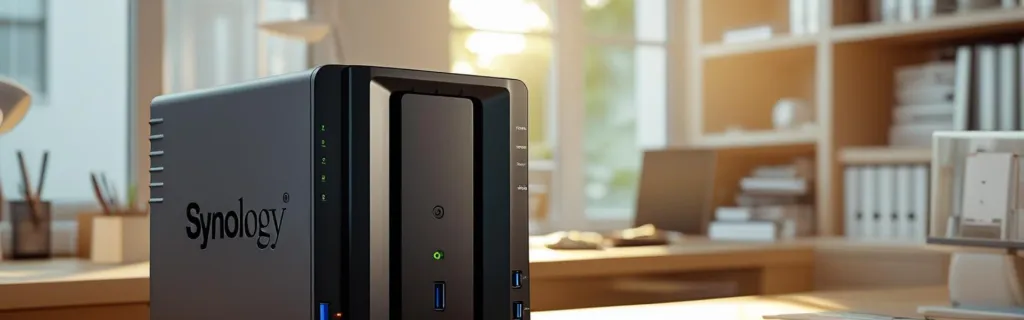
Synology NAS, specified and deployed for your business
We are a Synology strategic partner. We size the unit and the drives, install and configure it, set up backup, surveillance and shared storage, and hand it over running.
Setup is RM150 per day, plus the cost of the device.
What we deploy it for
One unit, doing several jobs your business is probably paying separately for.
Backup and restore
Automated backups of the machines your business runs on, to the NAS and onward to a second Synology or a cloud service. Tested by restoring, not just scheduled.
Surveillance
Surveillance Station turns the unit into your camera recorder, with licences and storage sized for how many cameras you run and how long you keep footage.
Shared storage and collaboration
File Station and Synology Office give your team one place for documents, with real-time collaboration instead of copies passed around over email.
Media and creative work
High-speed storage for large photo libraries and 4K video, with footage taken straight off the camera rather than staged on someone’s laptop first.
DiskStation Manager, the part you actually use
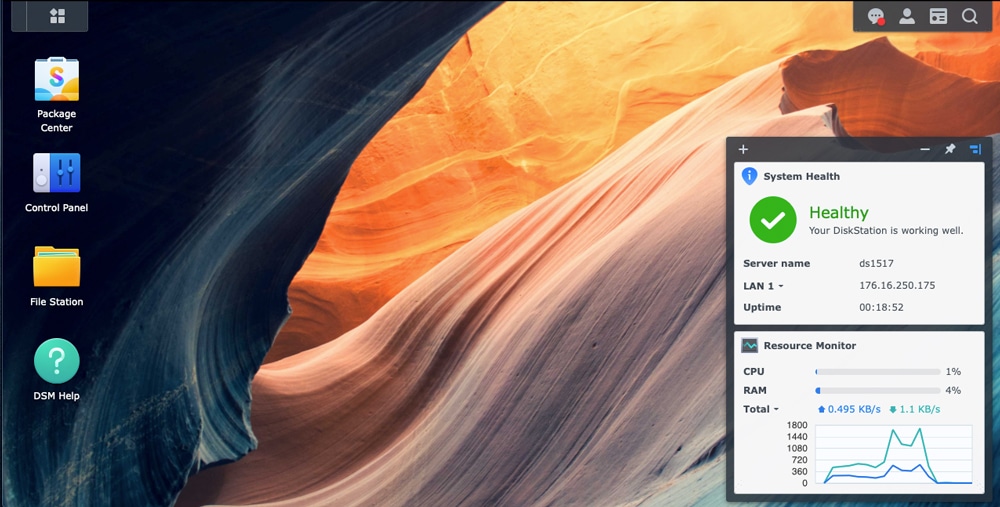
DSM is the interface the unit runs on: installing applications from Package Center, managing users and permissions, checking system health, and reaching your files remotely. We set it up and show your team how to use it.
What it costs
Setup is charged by the day, and the device is quoted separately.
RM150
per day, plus the device
What setup covers
- Sizing the unit and the drives against what you need to store and keep
- Installing and configuring DSM, users, permissions and shared folders
- Setting up backup, surveillance or collaboration, whichever you are using it for
- Remote access, and handover so your team can run it
How many days depends on how much there is to migrate and how many people need setting up. Tell us what you are replacing and we will quote the scope.
After setup
Once the unit is running, ongoing support goes directly to Synology. They cover the hardware warranty and DSM itself, so you deal with them without us in the middle. Come back to us when you want another unit sized, a deployment changed, or a new site set up.
Tell us what you need to store
Email sales@synoteca.com with what you are storing, how long you need to keep it, and how many people or cameras it has to serve, and we will size a unit and quote it. Deployed from Kuala Lumpur by Synoteca.